Complete Guide to Online Video Editors: How to Create Professional Videos in Your Browser
Video has become the dominant content format across the internet. Whether you are running a YouTube channel, growing a brand on Instagram and TikTok, or creating educational tutorials for students, video content delivers higher engagement than plain text or still images.
However, traditional video editing software can be expensive, resource-heavy, and difficult to learn. High-end desktop applications often require powerful computers with expensive graphics cards and complex software setups.
This is where an online video editor changes the game. Web-based video editing platforms allow anyone to trim, edit, enhance, and export studio-quality videos directly inside a web browser—without downloading heavy software or purchasing high-end hardware.
What is an Online Video Editor?
An online video editor is a cloud-based application that allows users to create and edit video files directly through a web browser like Google Chrome, Mozilla Firefox, or Microsoft Edge.
Unlike traditional software that relies entirely on your computer’s processor and graphics card to process footage, a web-based video editor handles media processing on remote cloud servers. This means you can edit high-resolution video clips smoothly, even on a budget laptop, Chromebook, or tablet.
Key Features of Modern Online Video Editors
Today’s browser-based editing tools are packed with intelligent features that rival traditional desktop applications while keeping the user experience straightforward.
1. Intuitive Drag-and-Drop Timeline
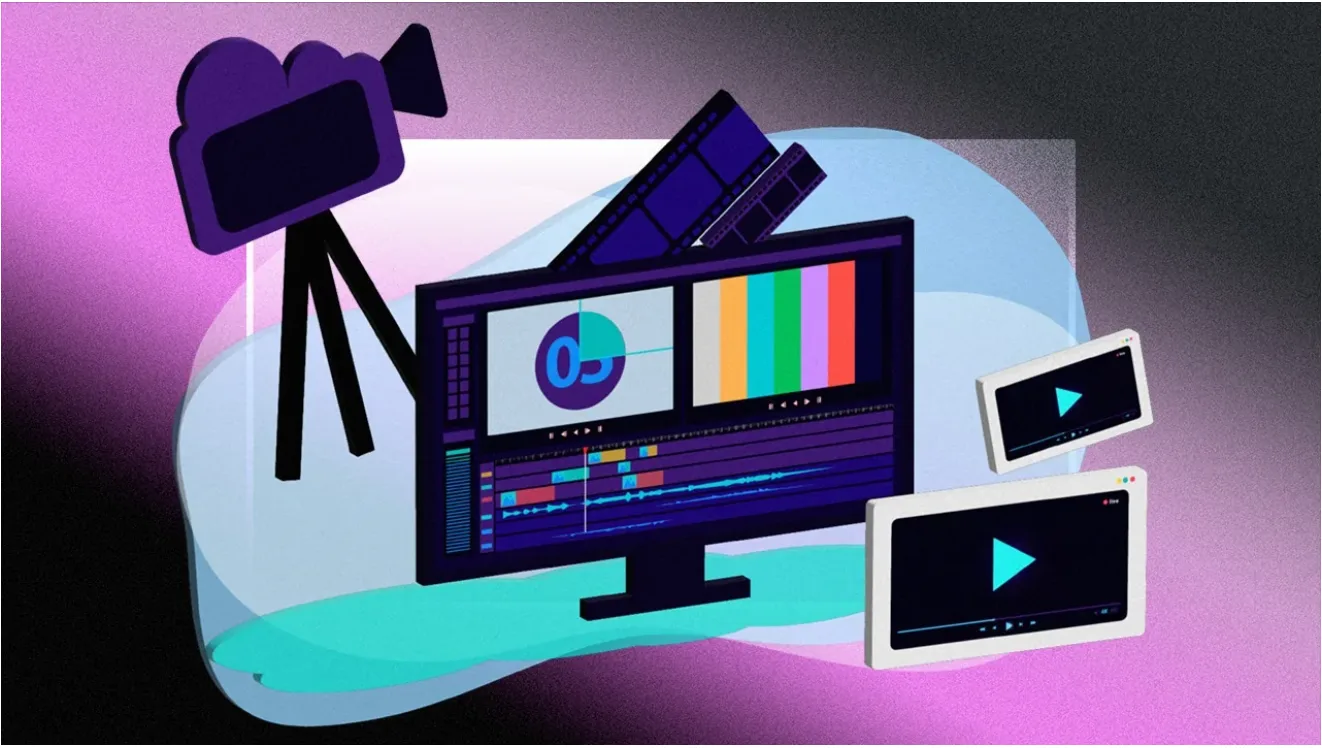
Most online editors feature a clean multi-track timeline interface. You can easily drag and drop video clips, background music, title cards, and image overlays, arranging them visually without needing prior technical training.
2. AI Subtitle and Auto-Caption Generation
Adding captions is essential for social media videos, where many viewers watch without sound. Powered by artificial intelligence, online editors automatically transcribe speech into accurate closed captions and customizable subtitles in multiple languages with a single click.
3. One-Click Social Media Resizing
Converting a 16:9 widescreen video into a 9:16 vertical video for TikTok, Instagram Reels, or YouTube Shorts used to require manual cropping. Modern web editors offer built-in aspect-ratio presets that reframe your footage instantly.
4. Built-in Stock Media Libraries
Instead of searching external sites for stock footage or royalty-free audio, web-based editors provide built-in libraries filled with stock videos, background music tracks, sound effects, stickers, and graphical animations.
5. Smart AI Editing Tools
Features like automated background removal, text-driven editing, speech cleanup, and AI voiceovers allow creators to automate tedious production tasks and finish projects much faster.
Benefits of Using a Web-Based Video Editor
- No Installation Required: Save precious hard drive space by editing directly online without downloading large setup files or installing frequent updates.
- Cross-Platform Compatibility: Work seamlessly across Windows, macOS, Linux, ChromeOS, and mobile devices simply by logging into your account.
- Easy Cloud Collaboration: Share project links with team members or clients to collect feedback, make real-time adjustments, and streamline review workflows.
- Automatic Cloud Backup: Your project files and edits are saved automatically in cloud storage, protecting your work from unexpected computer crashes.
Common Use Cases for Online Video Editing
- Social Media Content Creation: Produce fast-paced TikToks, Instagram Reels, and YouTube Shorts with eye-catching typography, trending audio, and dynamic transitions.
- Business Marketing and Advertising: Design engaging video ads, product showcases, and social media announcements using professional pre-designed templates.
- E-Learning and Screen Recordings: Record your screen and webcam to create video lessons, software tutorials, and online course materials complete with lower-third titles.
- Corporate Communications: Edit recorded Zoom meetings, company updates, or internal training webinars into short, shareable clips for team distribution.
Step-by-Step Guide: How to Edit Videos Online
Editing a video in your browser is a simple four-step process:
- Upload Your Media: Drag raw video footage, images, and audio files into your online dashboard from your device or cloud storage.
- Trim and Edit: Cut out unwanted sections, arrange clips sequentially on the timeline, adjust audio levels, and apply smooth scene transitions.
- Add Text, Effects, and Captions: Insert custom titles, add background music, apply visual filters, and generate automatic captions for higher retention.
- Export and Share: Select your desired output resolution (720p, 1080p Full HD, or 4K) and render the final video file directly to your device or post it directly to social platforms.
Final Thoughts
Online video editors have permanently lowered the barrier to entry for content creation. By removing hardware dependency and complex learning curves, cloud-based editing tools allow creators, marketers, and business owners to produce high-quality videos quickly, efficiently, and directly inside their browsers.